kicktipp tui · the dashboard
One dashboard.
Whole season.
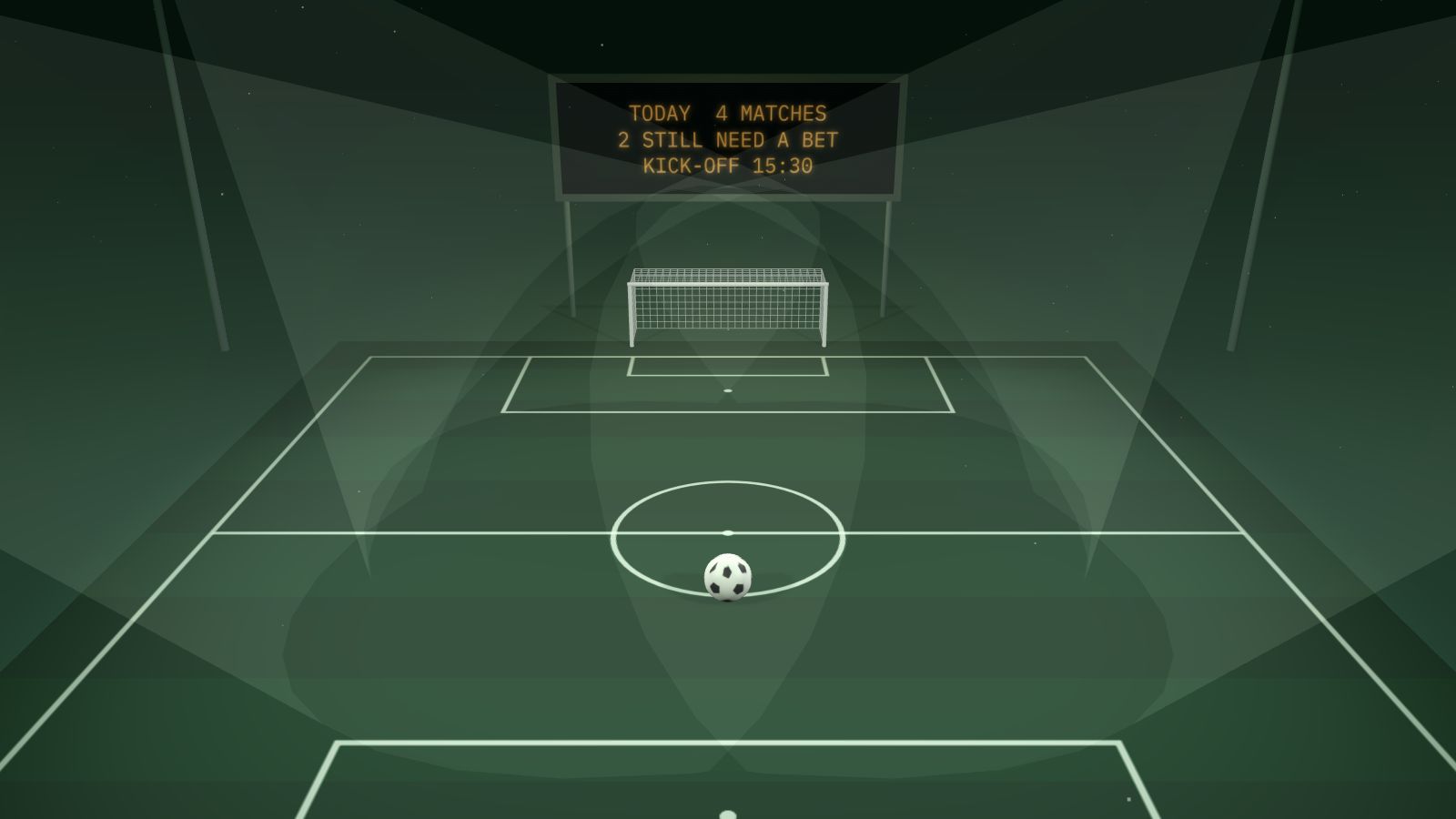
Everything the CLI does, on one keyboard-driven screen. Type a command in the press box below — the stadium scoreboard answers, and bet actually takes the shots.
Arrow keys. Enter. Done.
The dashboardA grouped menu on the left, a live pane on the right. Enter opens a screen, Escape comes back, [ and ] step through matchdays, ? shows every shortcut.
The dashboard is not a second app bolted onto the CLI. It reuses the same data and analytics layer as every kicktipp command and renders with a small hand-rolled terminal toolkit — no extra dependencies, nothing to install beyond the package itself. If a screen exists in the CLI, it exists here: community and player selection, notification settings, and the Spielleiter admin tools included.
Try everything. Sign in to nothing.
Demo mode--demo fills the dashboard with a generated Bundesliga season. Every screen works — the analytics too — without connecting an account.
This is also the safe way to evaluate the tool. Nothing in demo mode touches kicktipp.de or your credentials — it's the entire interface running against sample data on your machine.
The prediction grid
kicktipp betkicktipp bet opens the matchday as a full-screen grid — the same grid that lives inside the dashboard as "Place bets". Type scores in place, take the odds suggestion, submit once.
Prefer plain prompts, or scripting?
kicktipp bet --no-tui keeps the old one-match-at-a-time prompts. Bonus questions use that path too (kicktipp bet --bonus). And fixtures can go straight on the command line — which is exactly what AI agents and cron jobs do:
$ kicktipp bet "FC Bayern München vs Borussia Dortmund=2:1"
$ kicktipp bet "RB Leipzig vs Bayer 04 Leverkusen=0:0" --matchday 5
$ kicktipp bet --bonus "Who will win the league?=FC Bayern München"
Every submission — grid, prompt, suggestion, or MCP tool — lands in the local audit log, with the bet it replaced. kicktipp log --undo puts the previous bets back.
Your terminal is matchday-ready.
Two commands to the demo. Three to the real thing.